
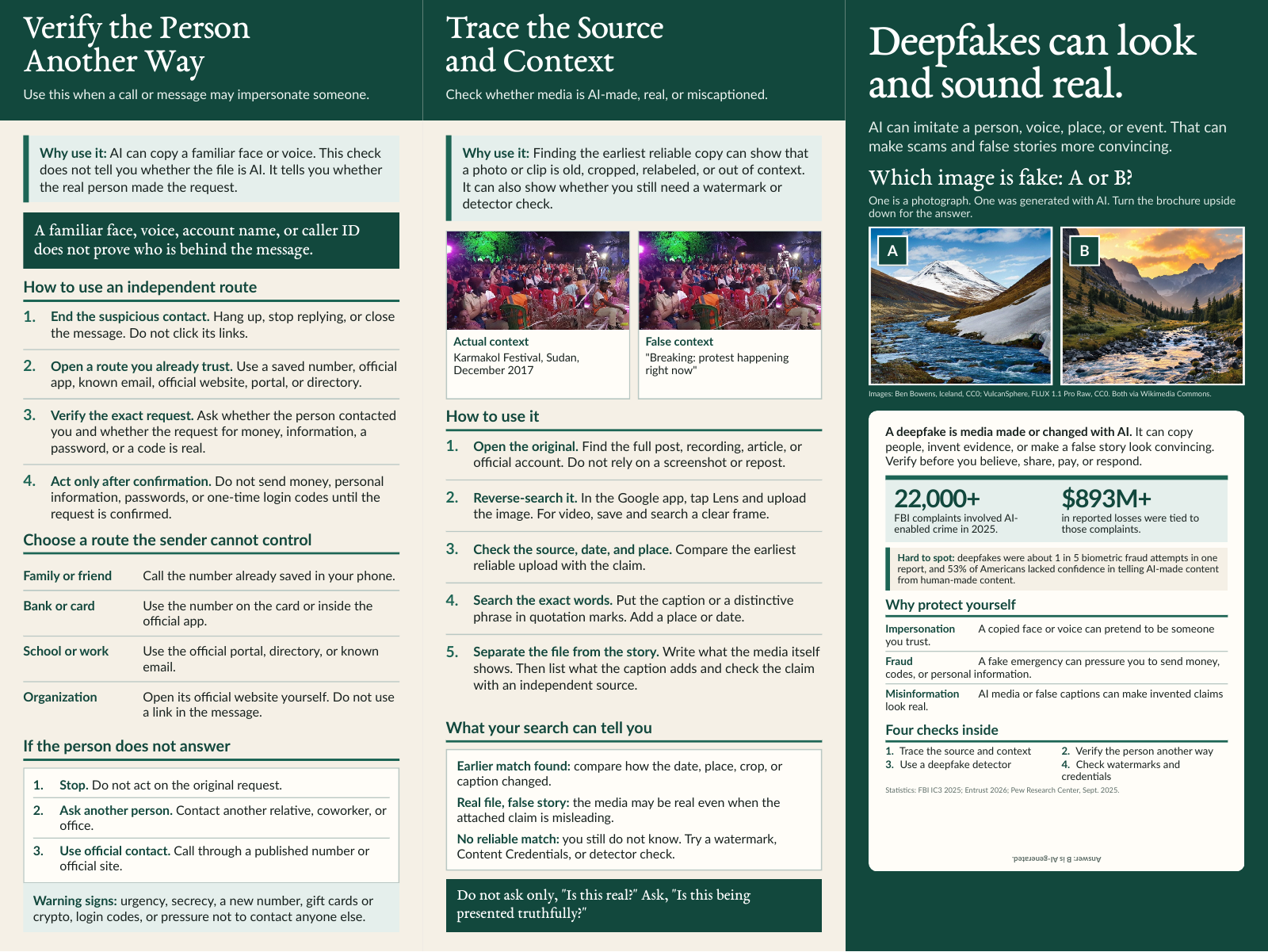
Two-sided brochure, two fold options
12 × 9 brochure
A detailed guide to identity checks, source tracing, watermarks, Content Credentials, and responsible detector use. Choose Z-fold or regular fold to match your print order.
Find an image’s original source, check how a file was made, or compare detector results. Each tool below includes instructions and access requirements.
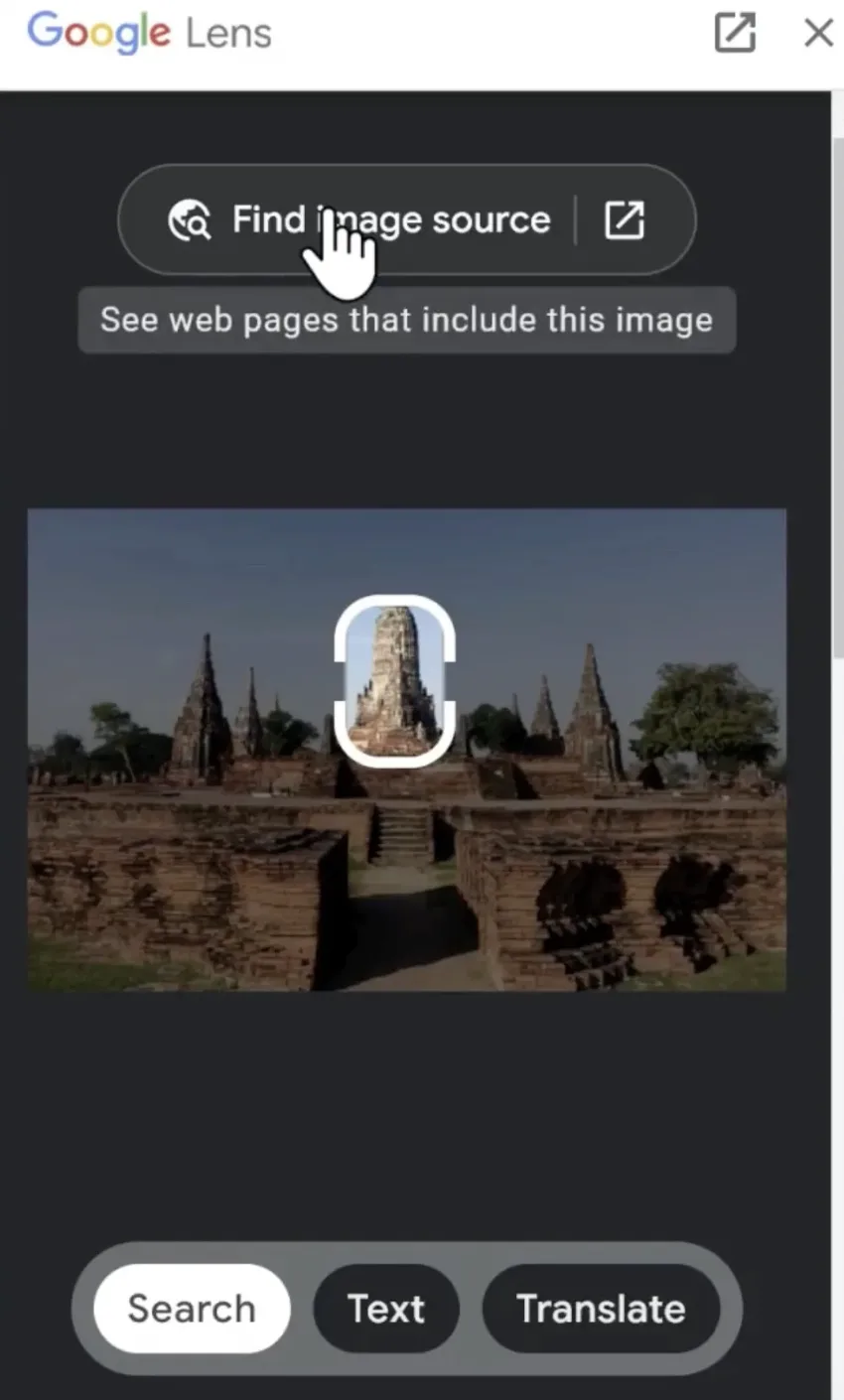
Open Lens through the Google app, select an image, then tap “Find image source” to look for matching pages and earlier uses.
Access: Google app on iOS or Android. No browser extension is required.
Open resource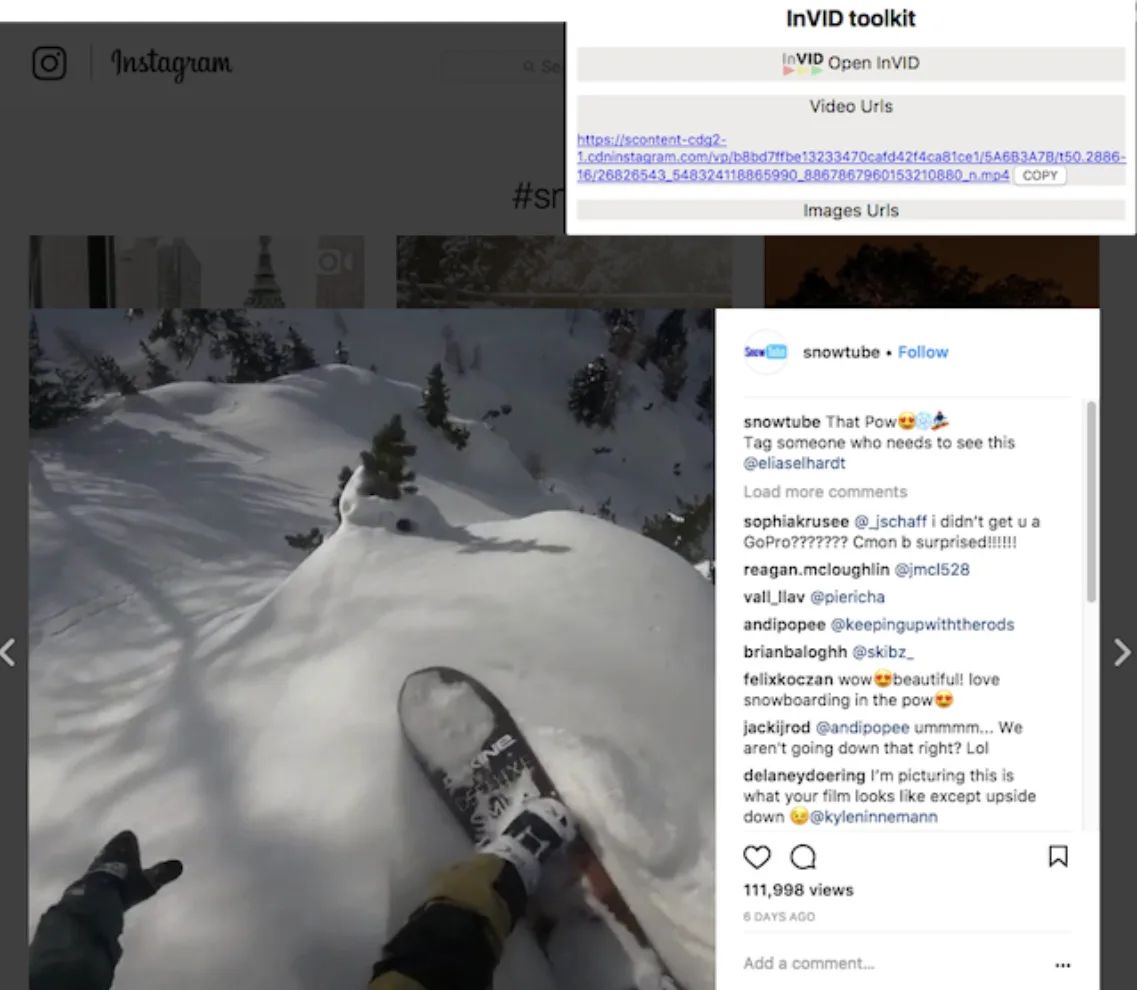
Inspect a public video link, extract useful frames, and reverse-search the clearest frames for earlier uploads.
Access: Browser extension. Installation is required.
Open resource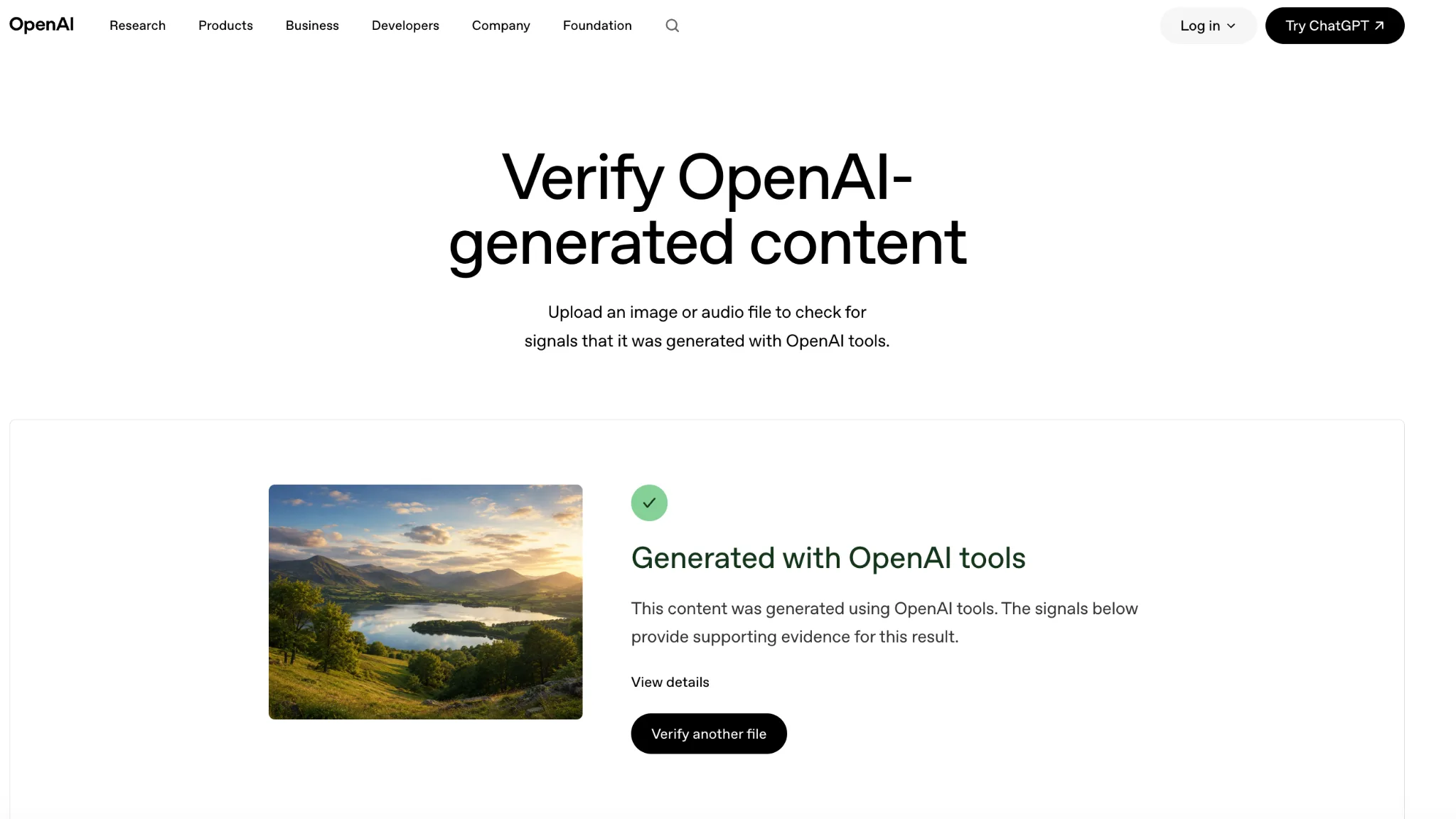
Upload an image or audio file to check for supported watermarks and creation records from OpenAI tools.
Access: Browser tool. Use the original file when possible.
Open resource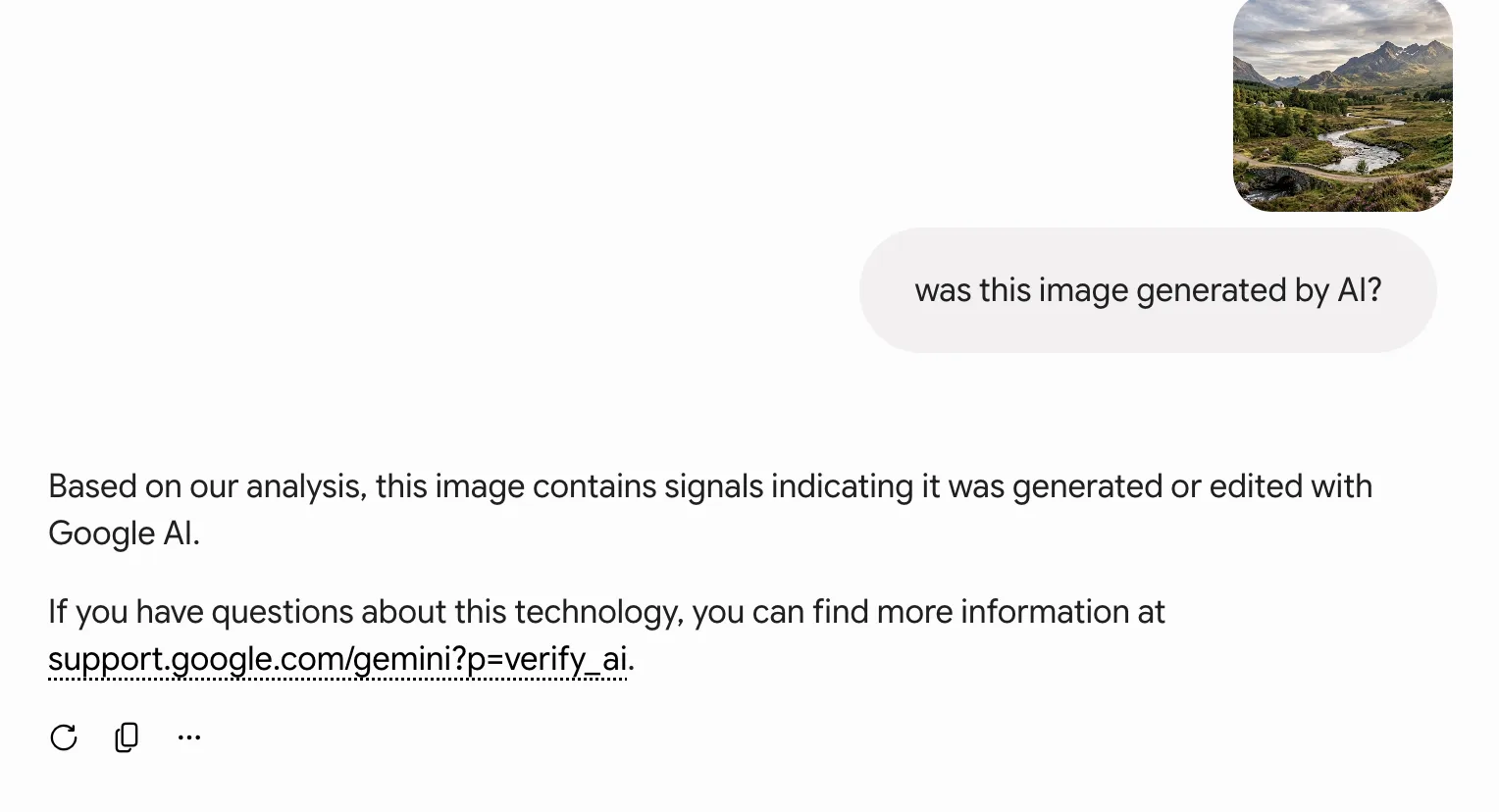
Upload an image, video, or audio file and ask Gemini whether it was created or altered with Google AI.
Access: Gemini sign-in is required. The check looks for a SynthID watermark.
Open resource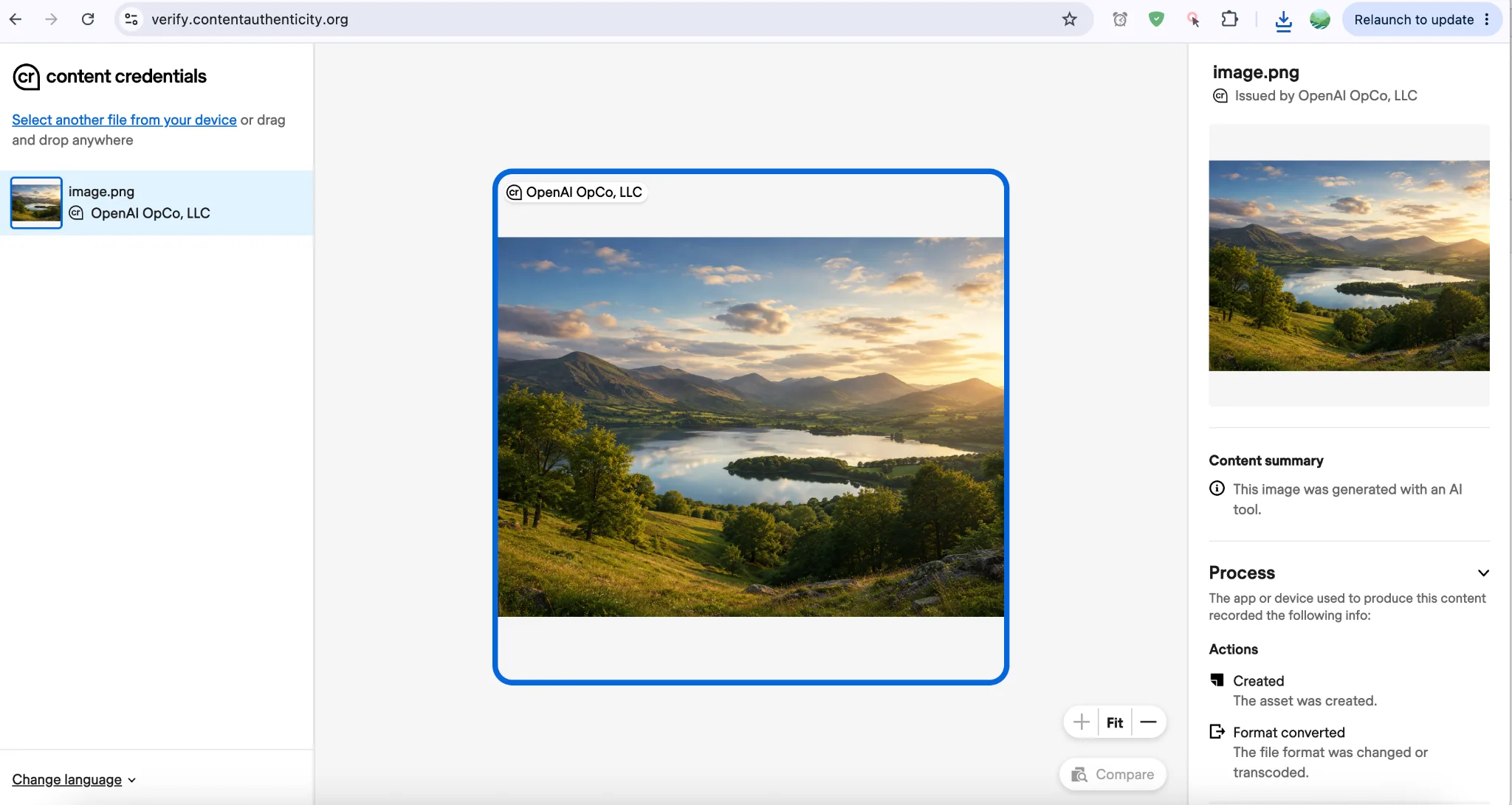
Check whether a file contains signed information about its creator, tools, and edits.
Access: Browser tool. Upload a file or paste a public URL.
Open resource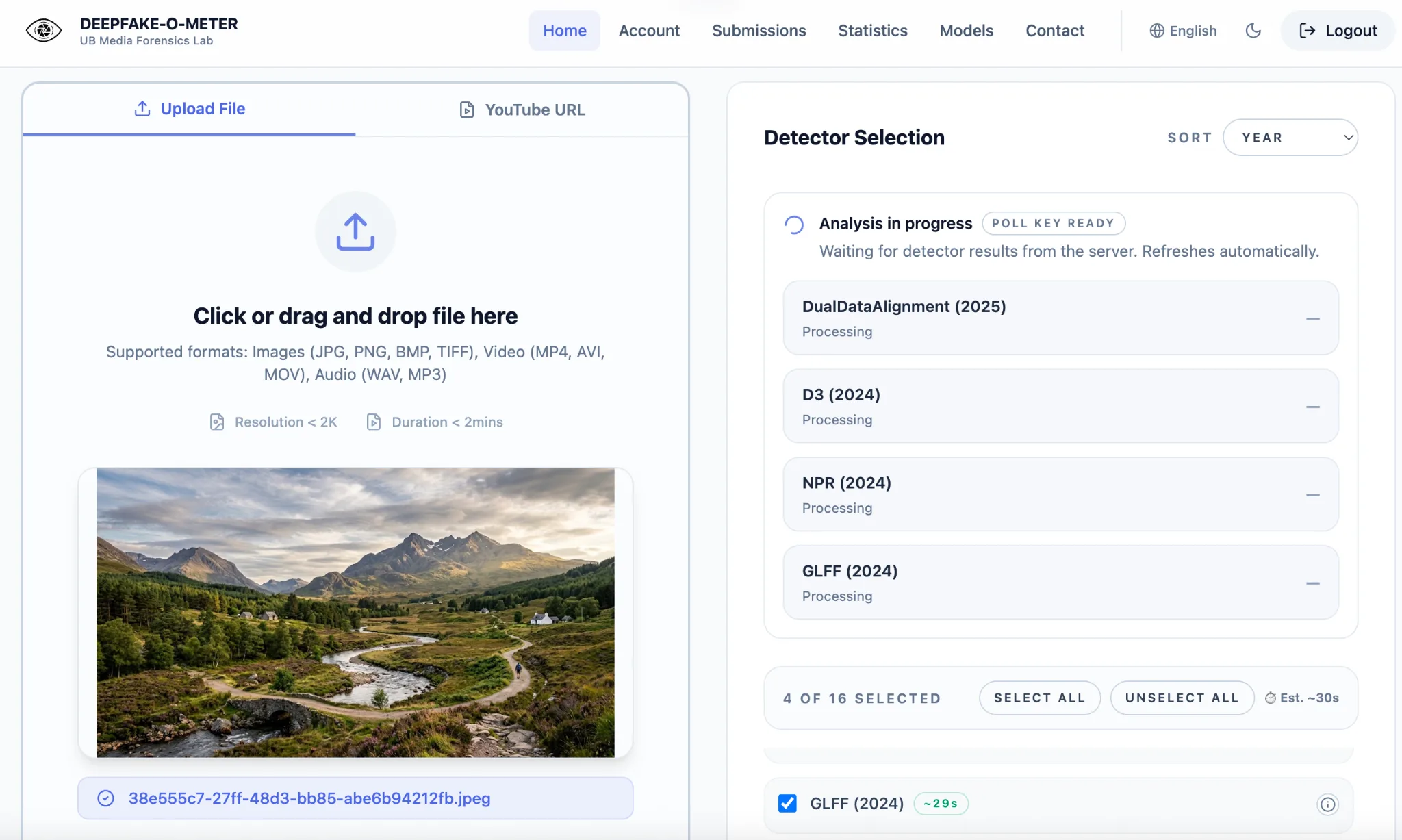
Run a permitted file through several research detection models and compare their outputs. Treat every result as evidence, not proof.
Access: Free account required. Upload a file or provide a YouTube URL, then select applicable detectors.
Open resourceFind the original source, check the claim, and look for watermarks, creation records, or detector results.
Access: Available on this website without an account.
Open resourceCompare authentic and synthetic images, video, and audio, then review the source behind every answer.
Access: Available on this website without an account.
Open resourceA detailed guide to identity checks, source tracing, watermarks, Content Credentials, and responsible detector use. Choose Z-fold or regular fold to match your print order.
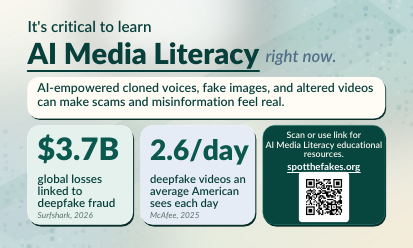
A compact overview of PAUSE, Content Credentials, watermarks, detectors, and the campaign website.
Download card PDF